
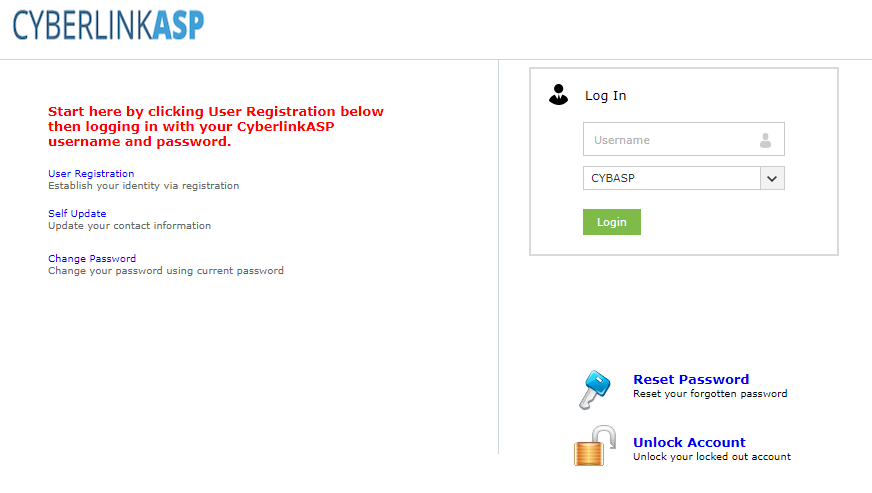
1. Open your browser and navigate to https://selfservice.cybasp.com and click "unlock account".
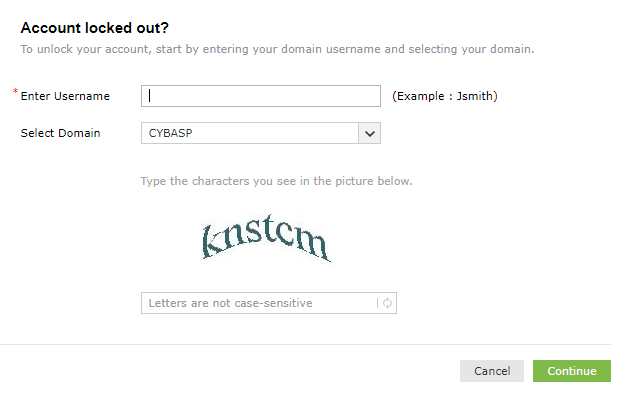
2. Enter your username, select CYBASP as the domain, enter the captcha information, then select “Continue”
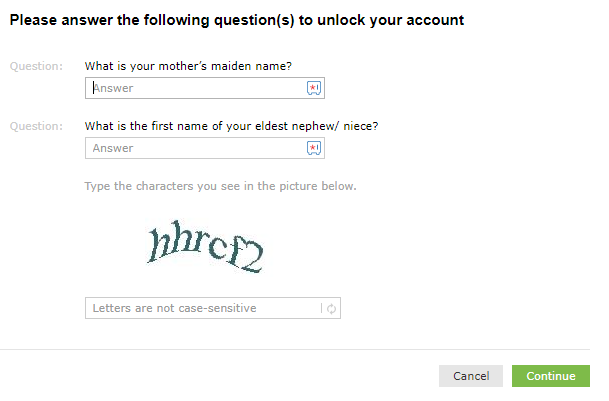
3. Enter the security question answers completed during registration and the captcha information, then click “Continue“.
4. Input the captcha information again and click “Unlock Account“ to unlock your account.
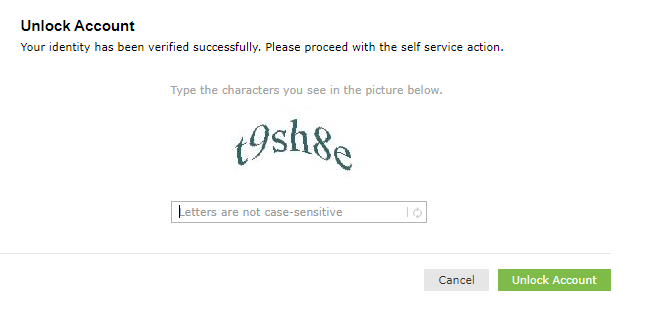
Input the captcha information again and click “Unlock Account“ to unlock your account.
Comments
0 comments
Please sign in to leave a comment.