
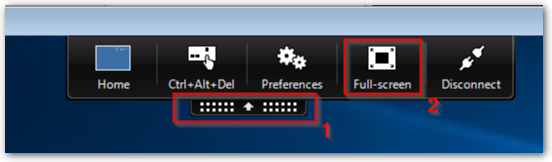
If your Citrix desktop is running in its own window and not taking up the full screen, you can expand it to full screen by clicking on the black drop-down tab at the top of your session, and clicking on Full Screen
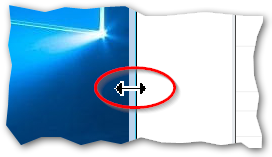
If you want this to go across multiple monitors, first you will need to have your Citrix desktop in a windowed mode. Then click and drag the edge of the window to expand it across both screens. It does not need to look pretty, we just want the Citrix window to overlap the monitors.
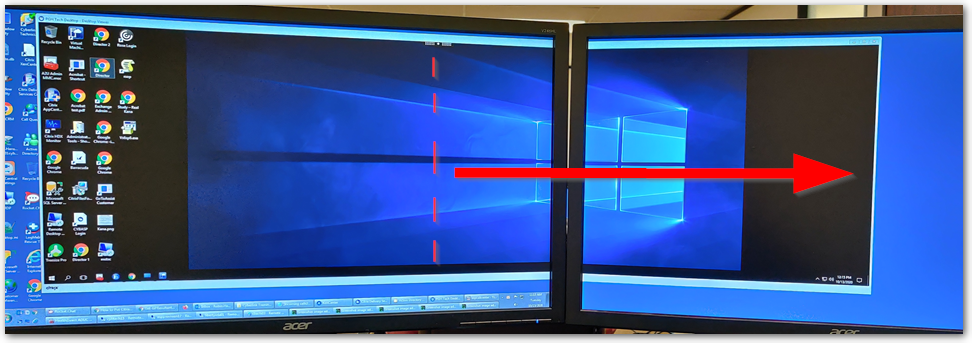
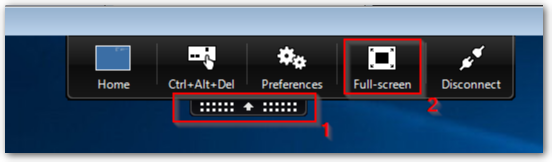
Now click on Full-screen and Citrix will snap into Full Screen on both monitors.
For any questions, comments or feedback, email articlefeedback@cybasp.com.
Comments
0 comments
Please sign in to leave a comment.